
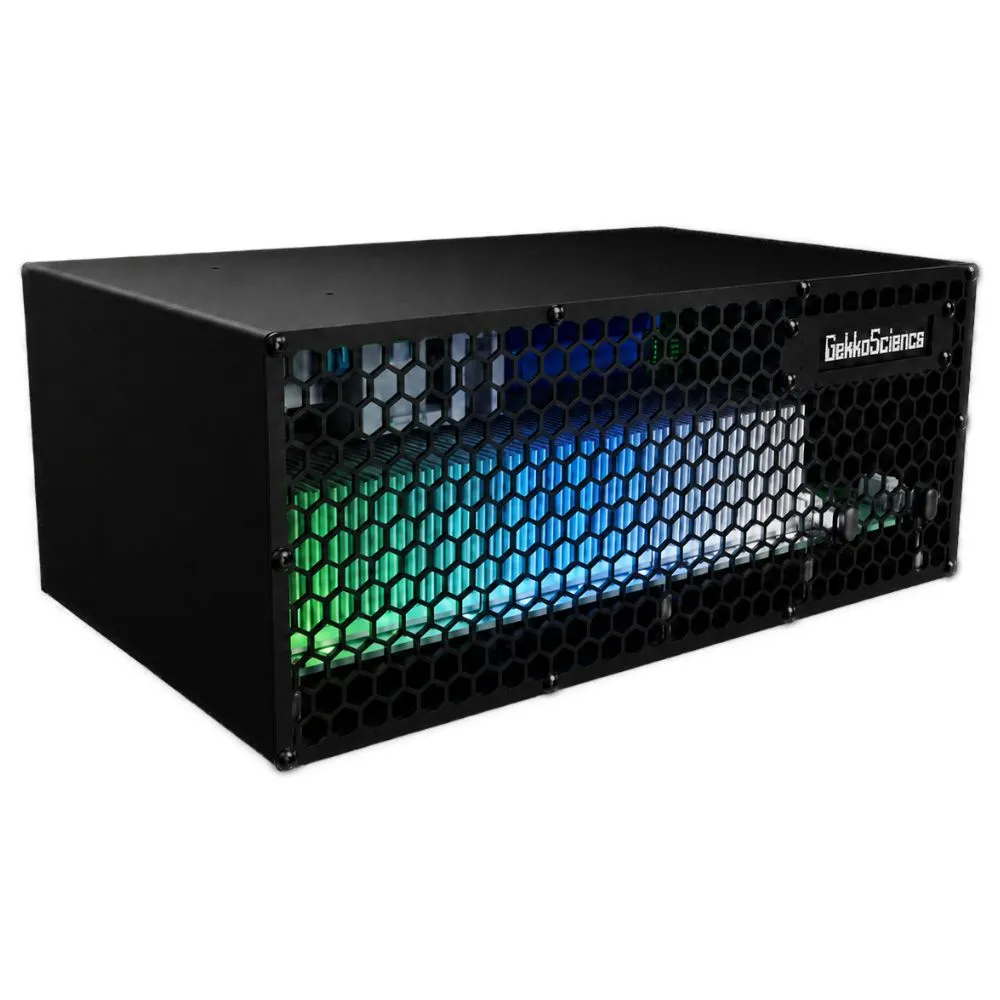
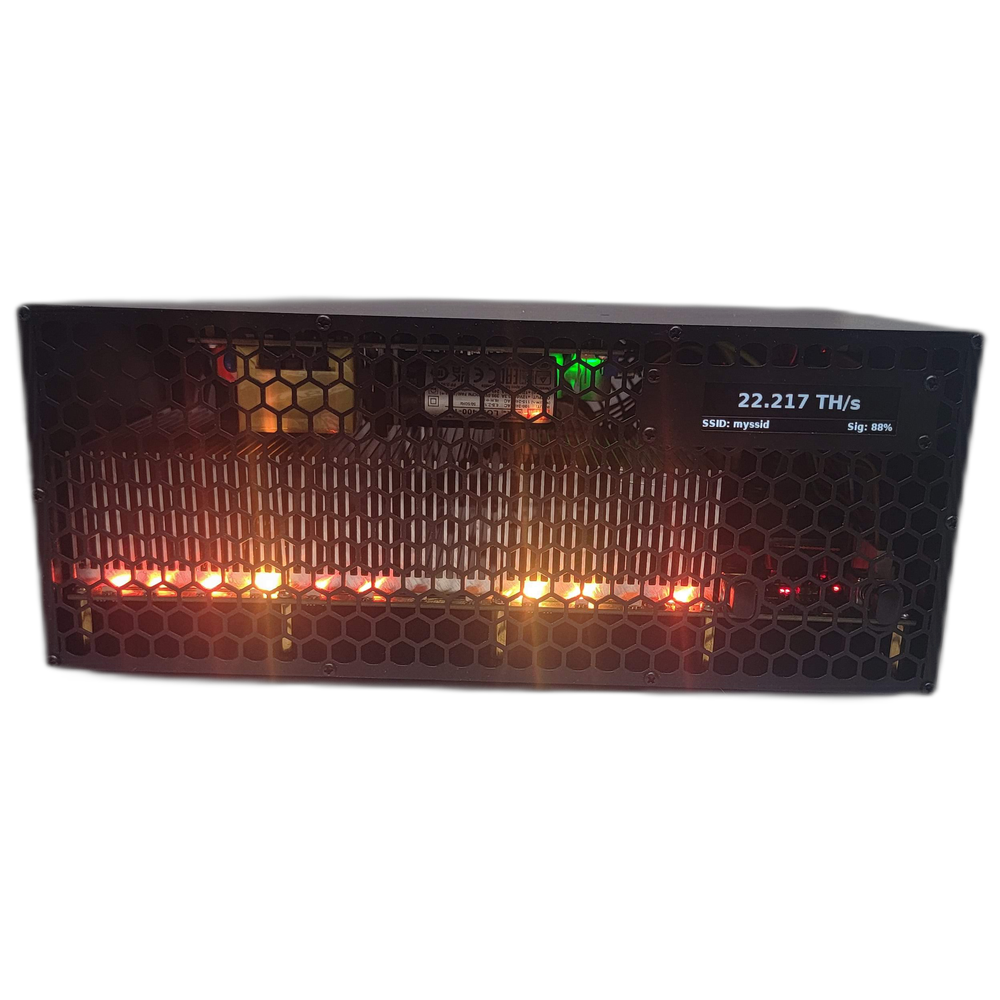
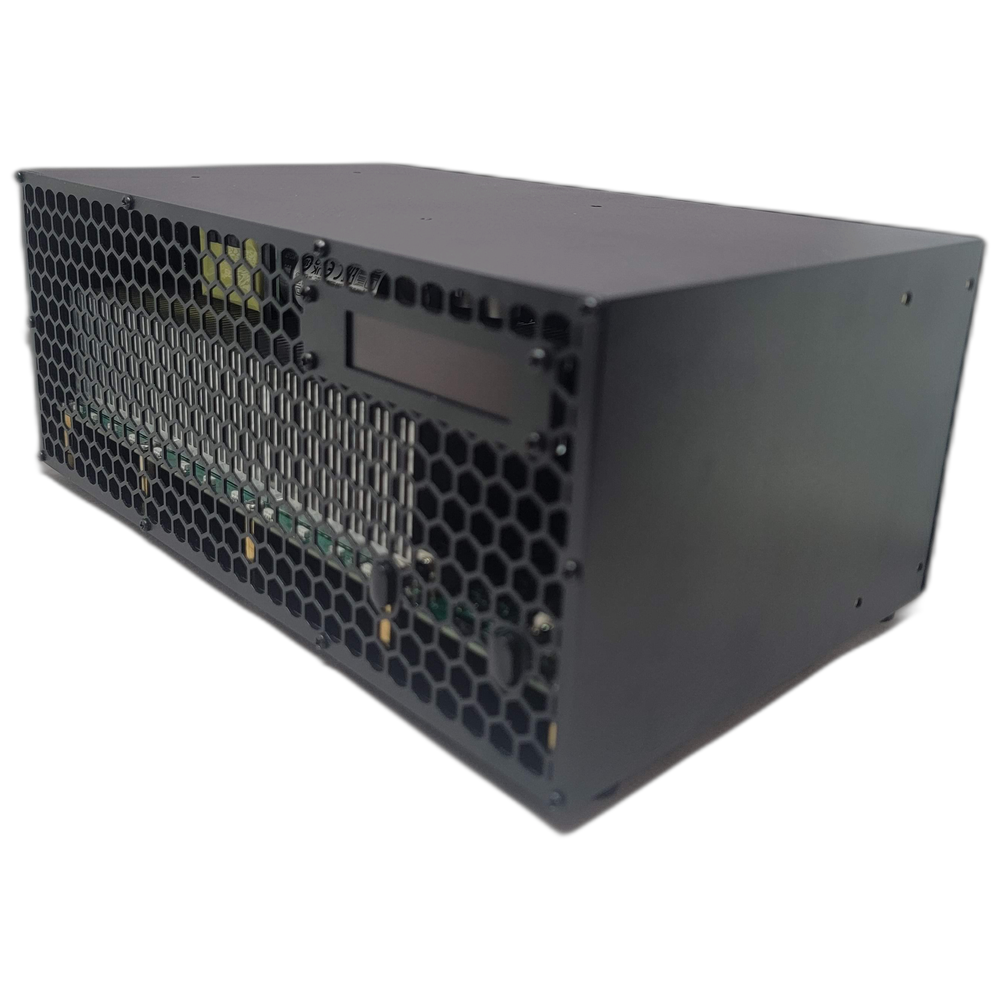
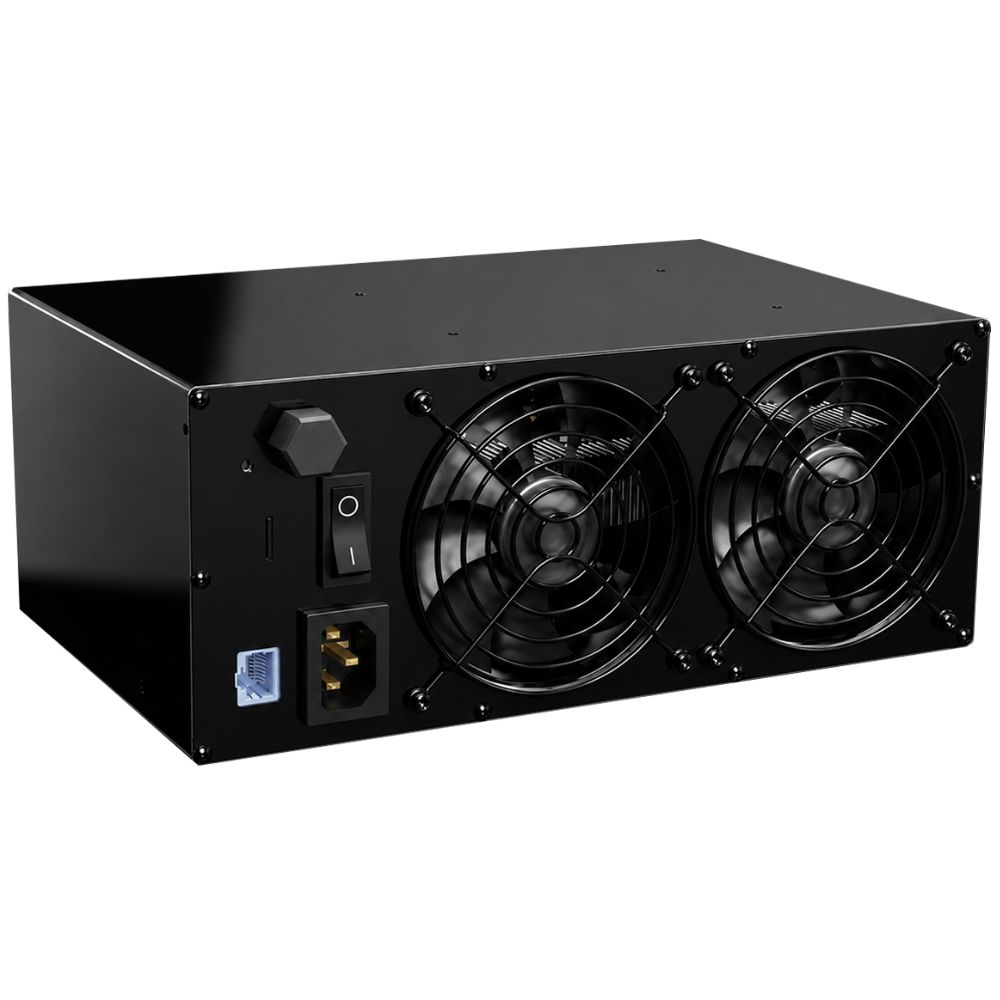
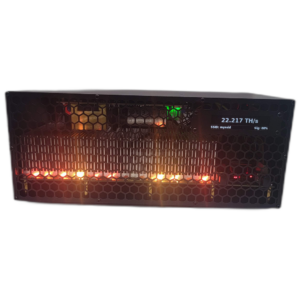
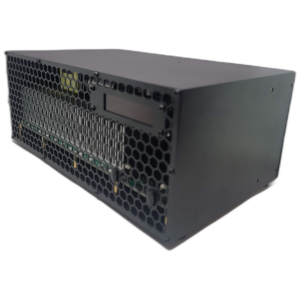
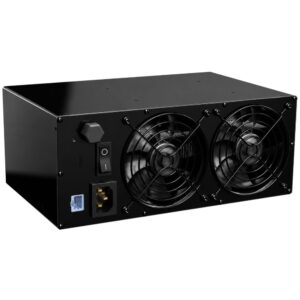
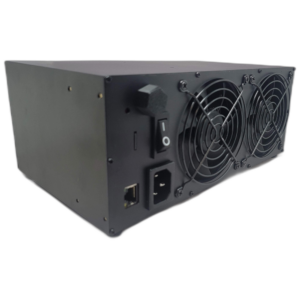
GekkoScience KBox Bitcoin Miner combines 22 TH/s home-mining performance, an integrated power supply, wired and wireless networking, a live OLED display, and adjustable RGB lighting in one enclosed machine.
Quick answer: What is the GekkoScience KBox?
The GekkoScience KBox is a compact, fully standalone 22 TH/s home Bitcoin miner with an integrated power supply, Linux controller, dual-band WiFi, Ethernet, OLED stats screen, quiet cooling, and programmable RGB lighting. It runs from a normal 100–240V AC outlet and gives home miners three practical power modes from roughly 178W to 322W.
GekkoScience KBox Bitcoin Miner: 22 TH/s at home
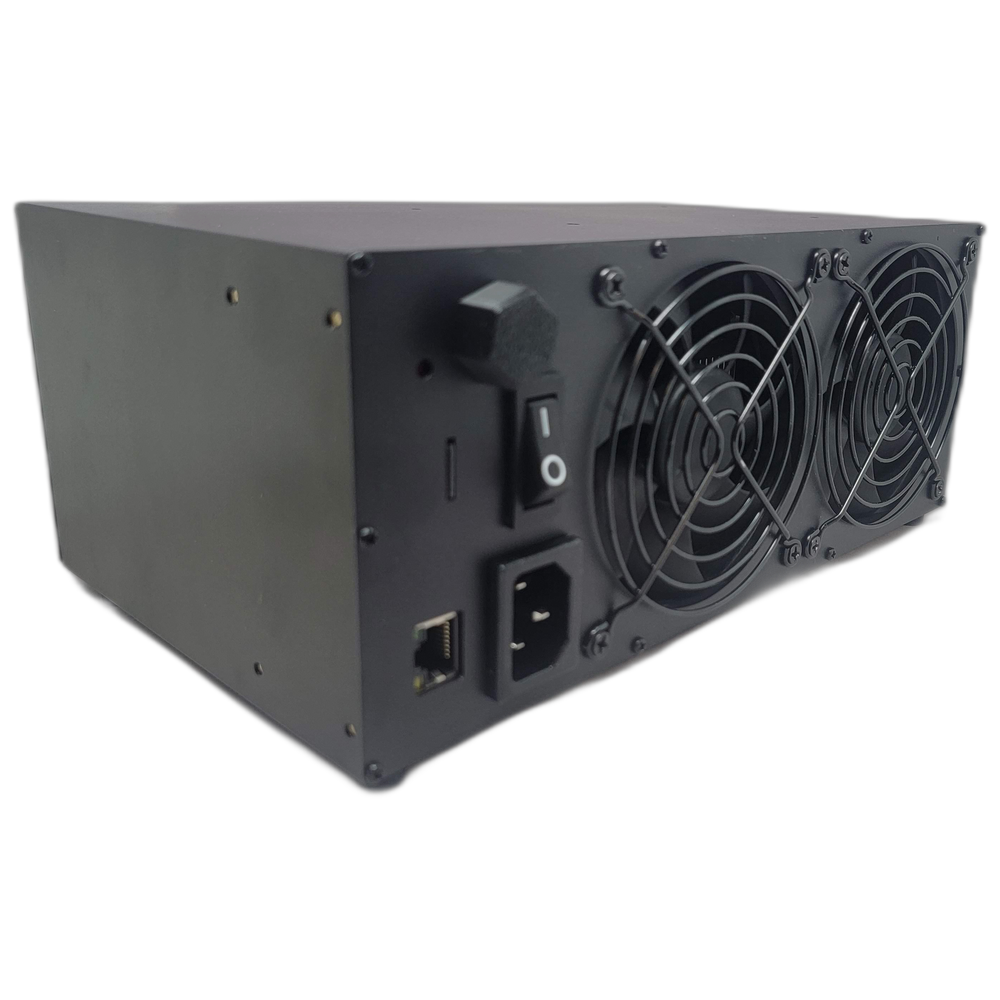
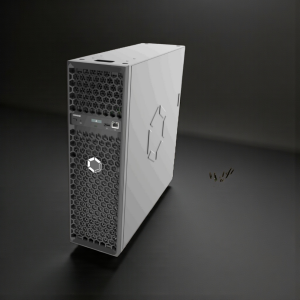
The KBox takes the pieces that normally spread across a home-mining desk and puts them into one finished enclosure. There is no external controller, loose power brick, exposed hashboard, or separate network device to assemble. Connect power, join WiFi or Ethernet, open the browser-based dashboard, enter your pool information, and mine Bitcoin.
Inside are 18 BM1370 ASIC chips, an integrated 93%-efficient Mean Well power supply, a Linux mining controller, speed-controlled fans, active safety monitoring, a live stats display, and RGB lighting with 28 built-in modes. The fully enclosed steel-and-aluminum body is designed for a home, office, workshop, or dedicated Bitcoin room instead of an industrial mining facility.
For manufacturer background and other American-built mining hardware, visit GekkoScience.
Why the KBox is different
- Real home-mining hashrate: up to 22 TH/s from a desktop-sized enclosure.
- One-box setup: power supply, controller, networking, screen, cooling, and lighting are integrated.
- Three power levels: choose a quieter low-power profile, balanced medium mode, or full high mode.
- Quiet enough for occupied rooms: approximately 38 dB on low and 47 dB on high.
- Ethernet and dual-band WiFi: use a wired connection or 2.4GHz/5GHz wireless networking.
- Useful heat: turn the electrical input into roughly 607–1,099 BTU/hr of room heat while mining Bitcoin.
- Built-in visibility: see hashrate, temperature, power, pool status, fan speed, network information, and more without opening another device.
- Designed and built in America: assembled in the USA by GekkoScience.
KBox power modes, hashrate, heat, and noise
The KBox can be tuned for the room instead of forcing one fixed operating point. The figures below are practical preset targets; actual results vary with firmware, ambient temperature, chip quality, network configuration, and user tuning.
Low mode
- Hashrate: about 11 TH/s
- Power: about 178W
- Efficiency: about 16 J/TH
- Noise: about 38 dB
- Heat: about 607 BTU/hr
Medium mode
- Hashrate: about 17 TH/s
- Power: about 242W
- Efficiency: about 14.2 J/TH
- Noise: about 42 dB
- Heat: about 826 BTU/hr
High mode
- Hashrate: about 22 TH/s
- Power: about 322W
- Efficiency: about 14.6 J/TH
- Noise: about 47 dB
- Heat: about 1,099 BTU/hr
Nearly all miner power becomes room heat. BTU/hr values are watt-to-heat conversions, not an additional heater rating. GekkoScience also documents tuning headroom up to roughly 23 TH/s, 330W operation, and efficiency as low as approximately 13 J/TH under suitable tuning.
Integrated OLED Bitcoin mining display


The front display automatically rotates through useful live information, allowing the KBox to work as both a miner and a visible Bitcoin dashboard. Depending on firmware and selected display settings, it can show:
- Current hashrate and operating mode
- ASIC temperature and fan speed
- Power draw and efficiency
- Pool connection and share information
- Best share and blocks found
- Network SSID, signal strength, and local IP address
- Live Bitcoin price
- Bitcoin halving countdown
28 customizable RGB lighting modes
The KBox is meant to look good on a desk instead of hiding in a server closet. Its front RGB lighting includes 28 built-in effects with adjustable color, brightness, and animation speed. Choose a subtle ember glow, match the room, react to local weather, or let the front panel run a full animated light show.
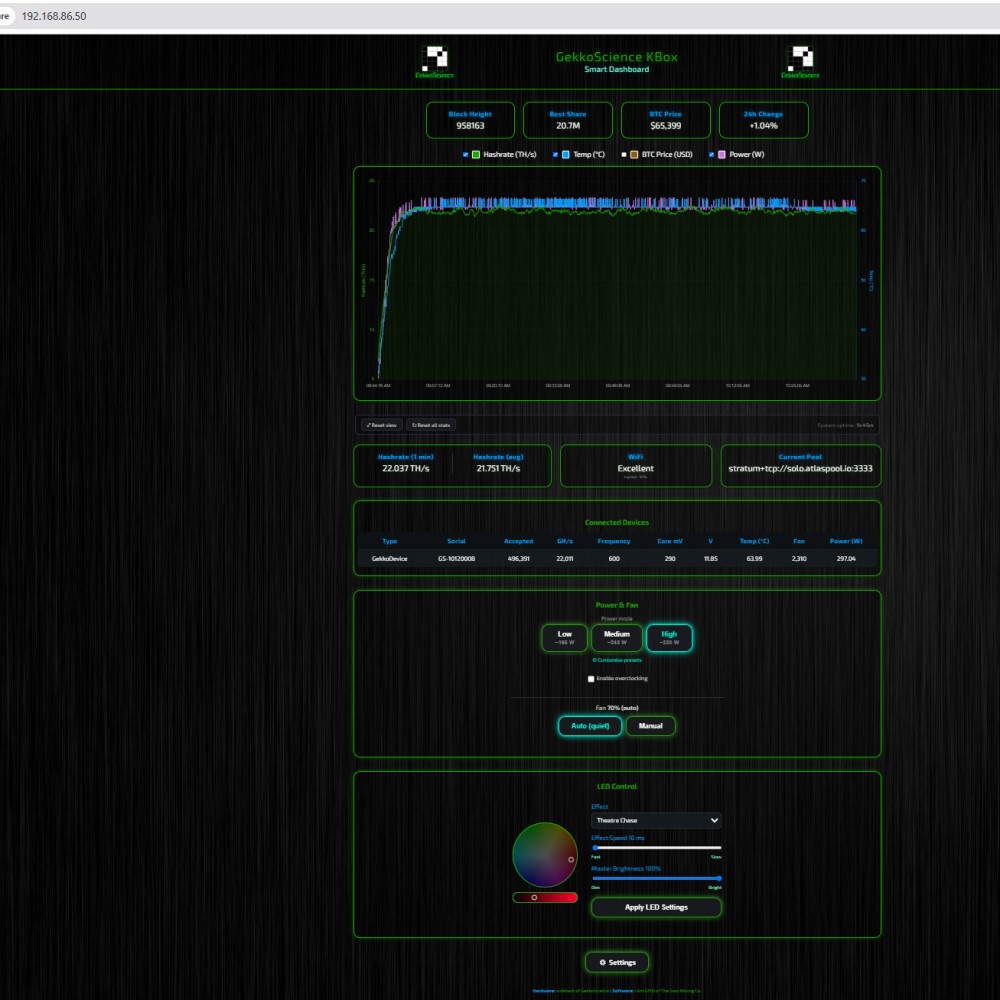
Browser-based KBox dashboard
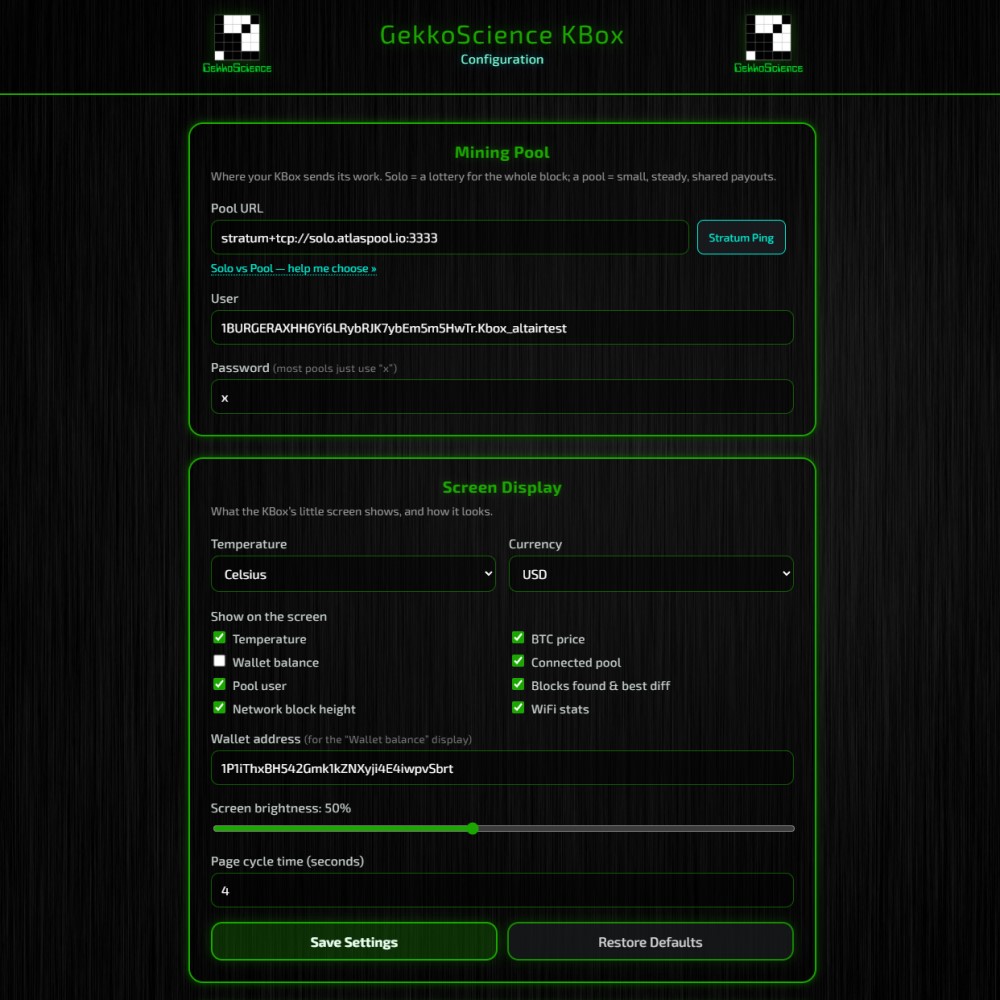
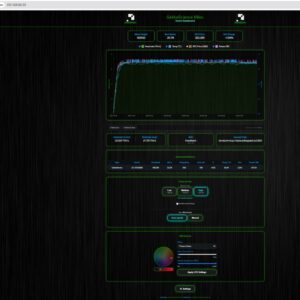
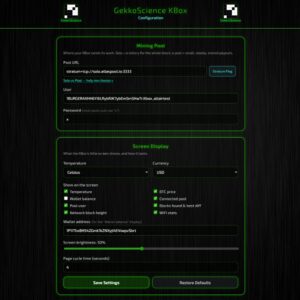
No separate computer is required after setup. The integrated Linux controller serves a local web interface where you can configure Bitcoin mining pools, view charts, select power presets, monitor hardware, tune performance, and control the RGB system.
Advanced users can adjust hashrate, efficiency, heat output, fan behavior, and lighting without rebuilding the miner around third-party controllers.
Built-in safety systems
The enclosed KBox includes several layers of protection intended for home operation:
- Active fan monitoring: hashing stops if either cooling fan stops.
- Double fuse protection: independent protection on the AC power supply and hashboard DC bus.
- Software thermal limits: ASIC temperature is actively monitored.
- Hardware regulator protection: the primary voltage-regulation system has its own thermal limits.
- Protected front grille: the 7mm hexagonal face grid restricts finger access while preserving airflow.
- Fully enclosed electronics: no exposed controller, hashboard, or loose desktop power brick.
As with any miner or space heater, keep the air intake and exhaust clear, place the KBox on a stable nonflammable surface, and do not enclose it in a cabinet without engineered ventilation.
GekkoScience KBox specifications
| Manufacturer | GekkoScience |
|---|---|
| Model | KBox |
| Mining algorithm | SHA-256 for Bitcoin |
| ASIC chips | 18 × BM1370 |
| Advertised hashrate | Up to approximately 22 TH/s; tuning headroom may reach about 23 TH/s |
| Power consumption | Approximately 178–322W across presets; up to about 330W tuned |
| Efficiency | Approximately 13–16 J/TH depending on tune |
| Noise | Approximately 38–47 dB depending on mode |
| Power supply | Integrated 93%-efficient Mean Well PSU |
| Input voltage | 100–240V AC with power switch |
| Controller | Integrated Linux controller |
| Networking | Ethernet, 2.4GHz WiFi, and 5GHz WiFi |
| Display | Integrated rotating stats screen |
| Lighting | User-controlled RGB, 28 built-in modes |
| Dimensions | Approximately 10 × 6 × 4 inches (25 × 15 × 11 cm) |
| Enclosure | Steel and aluminum |
| Manufacturing | Designed and assembled in the USA |
| Condition | Brand new |
KBox vs smaller and larger home Bitcoin miners
The KBox sits in the middle of the home-mining range. It delivers roughly 3.7 times the hashrate of a 6 TH/s compact miner while staying far below the power draw of a 90 TH/s full-room heater miner.
- Choose the KBox when you want a polished all-in-one 22 TH/s desktop miner with Ethernet, dual-band WiFi, RGB lighting, and an integrated PSU.
- Choose the Canaan Avalon Nano 3S when lower price and lower power draw matter more than maximum desktop hashrate.
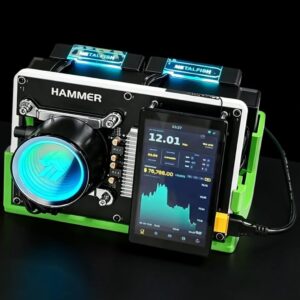
- Choose the Hammer Miner BC04 for a compact open-frame 6 TH/s home-mining setup with WiFi and Ethernet.
- Choose the Hammer Miner BC08 when you want approximately 12 TH/s from a quieter midrange desktop miner.
- Choose the Canaan Avalon Q when 90 TH/s matters more than compact size or low household power draw.
GekkoScience KBox setup
- Place the KBox on a stable surface with clear intake and exhaust space.
- Connect the AC power cable and switch the integrated PSU on.
- Connect Ethernet or join a 2.4GHz/5GHz WiFi network.
- Open the KBox local web interface from a device on the same network.
- Enter your Bitcoin pool or solo-pool information and worker details.
- Select Low, Medium, or High mode and confirm normal temperatures and fan operation.
- Choose an RGB program, brightness, and effect speed if desired.
GekkoScience KBox FAQ
How much hashrate does the GekkoScience KBox produce?
The standard high-power target is approximately 22 TH/s. GekkoScience documents tuning headroom up to roughly 23 TH/s under suitable conditions.
How much power does the KBox use?
Preset operation is approximately 178W on Low, 242W on Medium, and 322W on High. User tuning can push operation to about 330W.
How loud is the KBox Bitcoin miner?
Published operating figures are approximately 38 dB on Low, 42 dB on Medium, and 47 dB on High. Room acoustics, fan tuning, ambient temperature, and measurement distance affect the number you hear.
Does the KBox include the power supply?
Yes. A 93%-efficient Mean Well power supply is integrated into the enclosure. You do not need a separate desktop power brick or external controller.
Does the KBox support WiFi and Ethernet?
Yes. The KBox supports Ethernet plus both 2.4GHz and 5GHz WiFi.
Can the KBox be used as a Bitcoin mining heater?
Yes. Depending on the selected power mode, it releases roughly 607–1,099 BTU/hr of heat into the room while mining Bitcoin. It is useful supplemental heat, not a replacement for properly sized primary heating equipment.
Can I solo mine with the GekkoScience KBox?
Yes. The KBox is a SHA-256 Bitcoin miner and can be configured for compatible Bitcoin mining pools or solo-pool infrastructure. Finding a block is probabilistic and never guaranteed.
Is Bitcoin mining with the KBox profitable?
Profitability changes with Bitcoin price, network difficulty, pool terms, uptime, selected tune, and your electricity rate. CryptoCloaks does not promise a fixed return or block result.
What RGB effects does the KBox include?
The onboard controller includes 28 lighting modes with user-adjustable colors, speed, and brightness. Examples include Embers, Woodstove, Rainbow, Breathe, weather-matching, and other animated effects.
What does the KBox screen display?
The front screen can rotate through hashrate, power, efficiency, temperature, fan speed, pool status, shares, network information, local IP, Bitcoin price, and halving countdown data.
What ASIC chips are in the KBox?
The KBox uses 18 BM1370 SHA-256 ASIC chips.
Where is the GekkoScience KBox made?
The KBox is designed and assembled in the United States.
Does the KBox have the hidden Doom Easter egg?
Yes. On supported firmware, open Settings and click the GekkoScience logo five times. Use the arrow keys to move and Control to shoot.
Reviews
There are no reviews yet.