
Table of Contents
Hammer Miner BC04 6 TH/s Home Bitcoin Miner
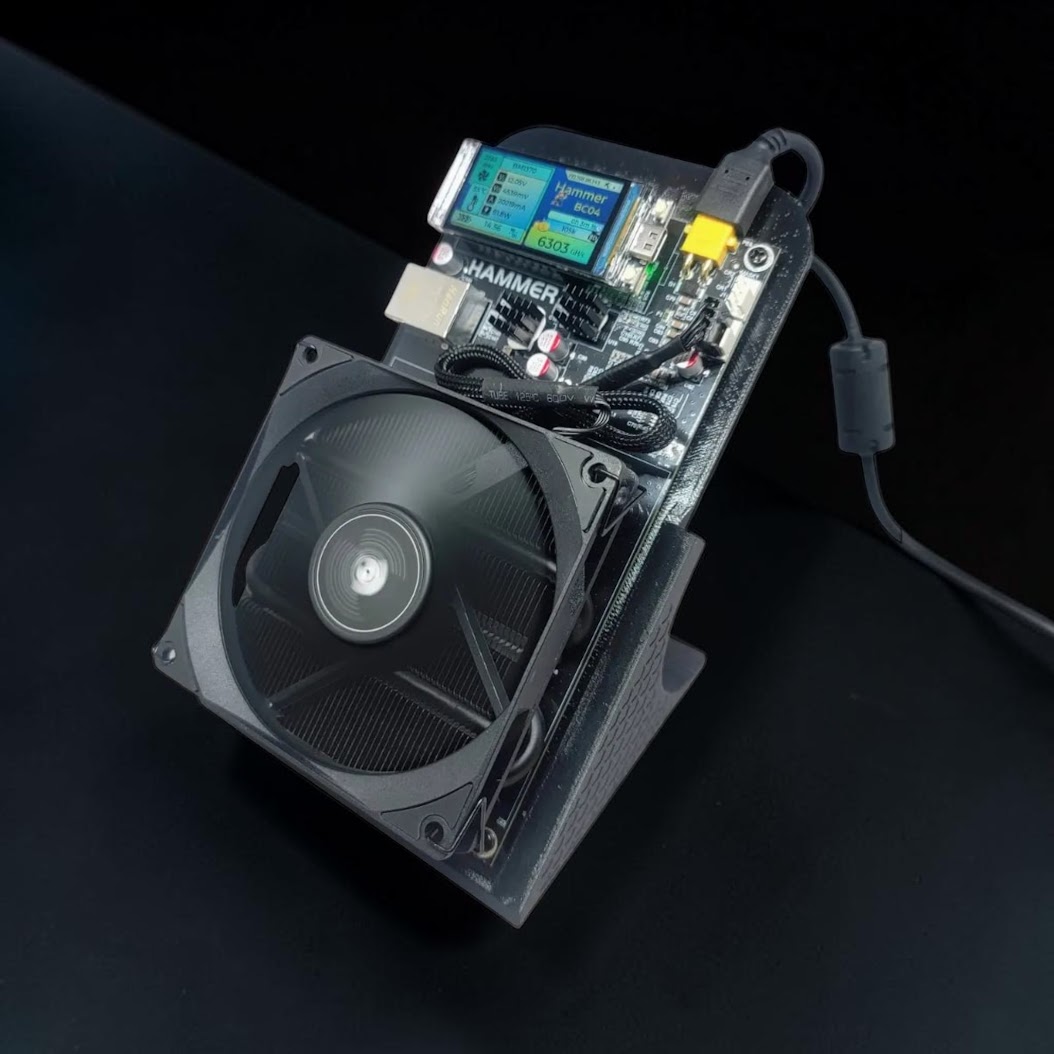
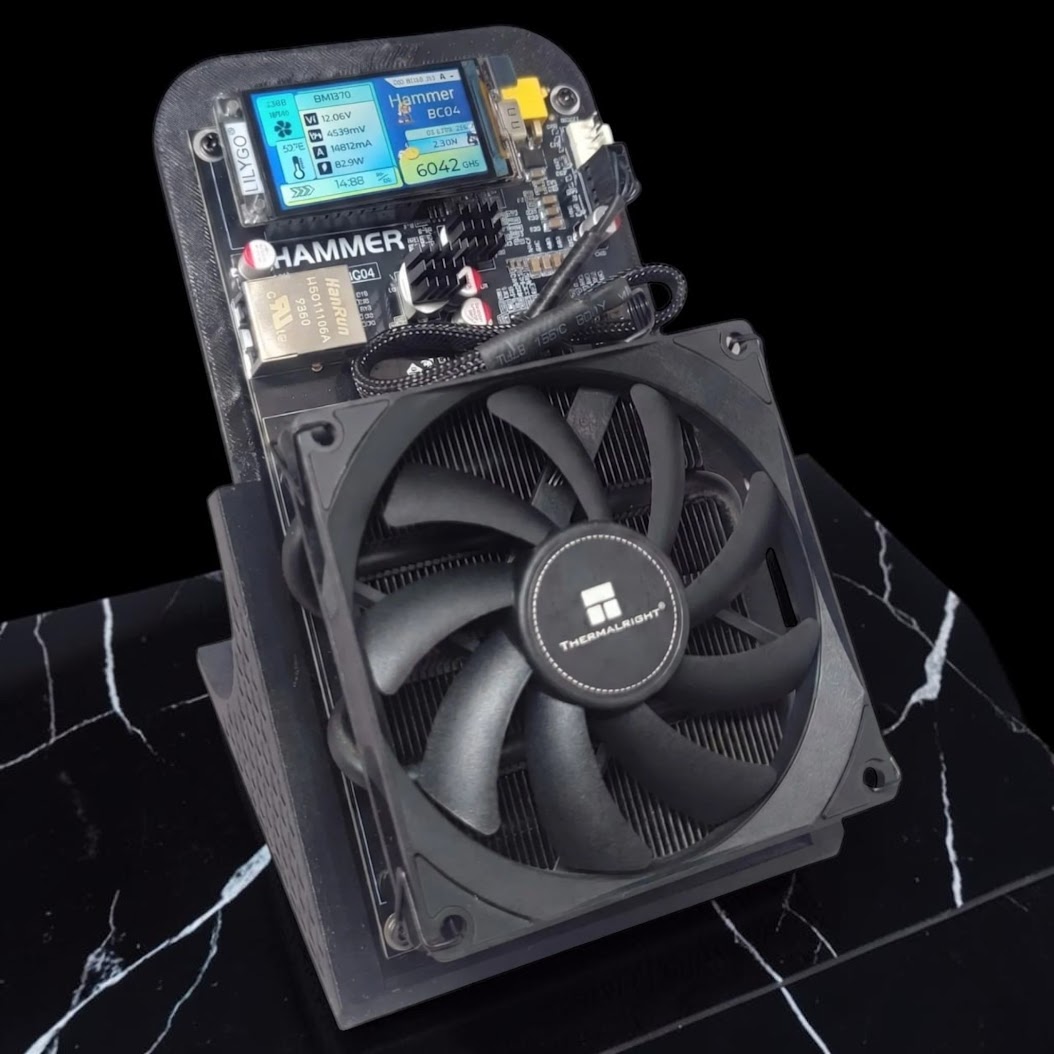
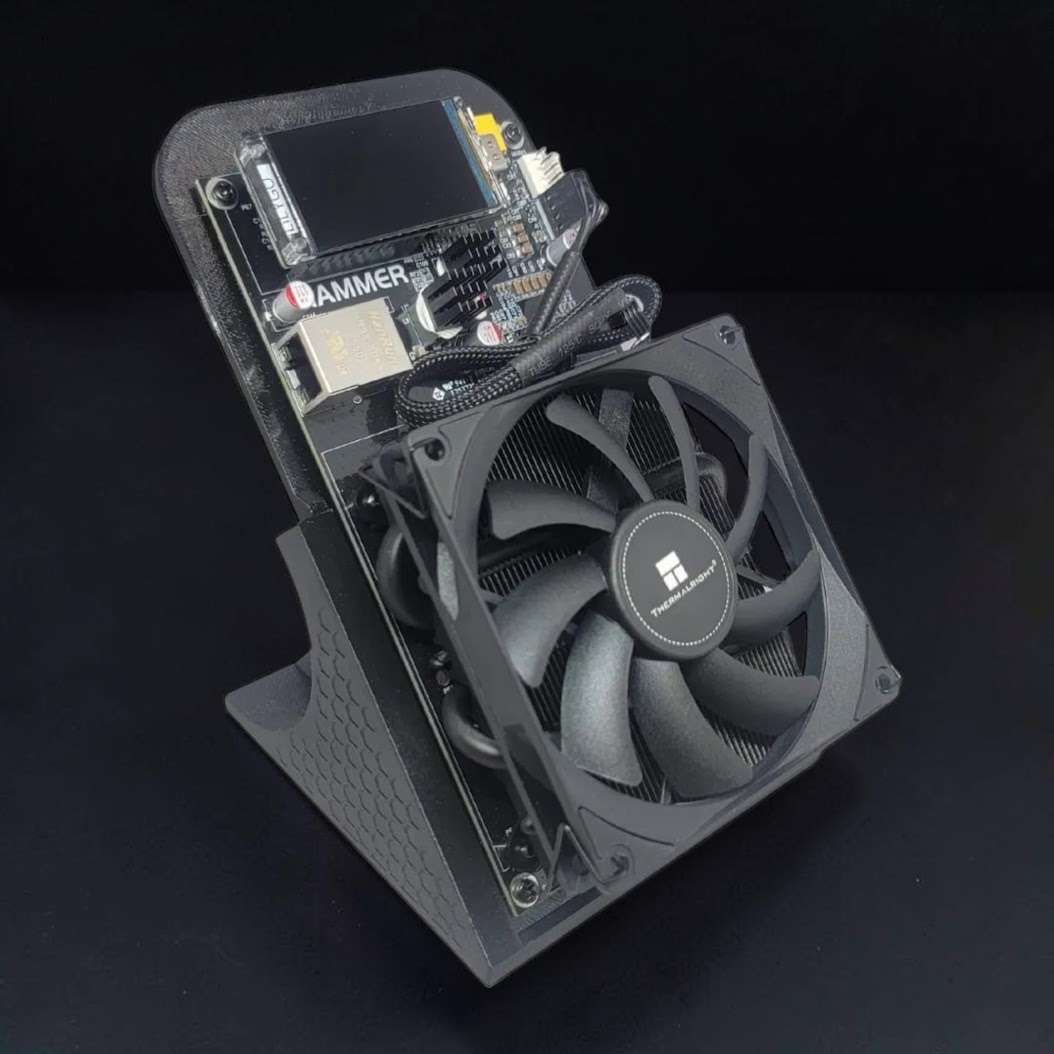
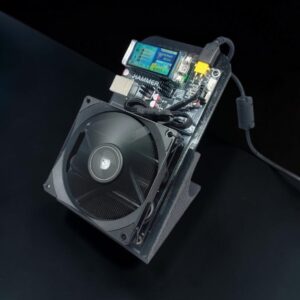
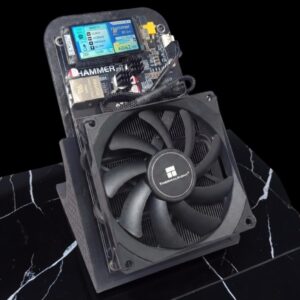
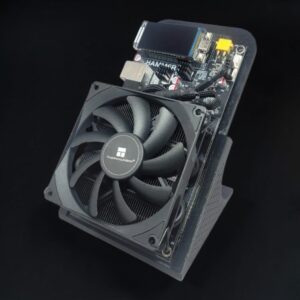
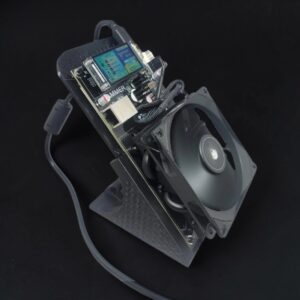
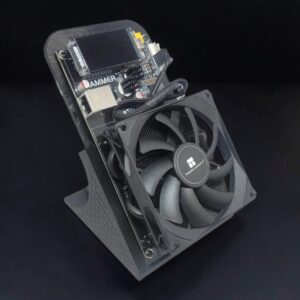
The Hammer Miner BC04 is built for the home Bitcoin miner who wants a real ASIC on the desk, not an industrial wind tunnel in the house. It targets around 6 TH/s of SHA-256 Bitcoin mining performance at about 110W, with an OLED stats screen, quiet cooling, and both WiFi and Ethernet onboard.
This is the kind of miner that makes sense for a shelf, office, workshop, garage bench, or apartment setup. Plug it in, connect it to your network, point it at your mining pool, and start stacking sats from home.
The BC04 matters because it sits in the sweet spot between tiny learning miners and big noisy farm hardware. You get enough hashrate to make the miner feel real, but the power draw stays low enough that normal home miners can actually live with it.
Why CryptoCloaks likes the BC04
- Real Bitcoin hashrate: about 6 TH/s SHA-256 performance in a compact desktop unit.
- Low power draw: roughly 110W stock operation, with tuned profiles reported around 120-125W.
- Home-friendly cooling: designed for quieter daily use compared with full-size industrial ASICs.
- Simple network setup: use 2.4GHz WiFi or RJ45 Ethernet.
- OLED stats screen: see miner status without digging through a dashboard every time.
- PSU included: comes with the power supply and cable shown in the product photos.
Hammer Miner BC04 specs
| Model | Hammer Miner BC04 |
|---|---|
| Algorithm | SHA-256 for Bitcoin mining |
| Hashrate | About 6 TH/s |
| Tuned hashrate | Up to about 6.5 TH/s depending on unit, cooling, and profile |
| Power consumption | About 110W stock, about 120-125W tuned |
| Efficiency | About 15-16 J/TH depending on profile |
| ASIC chips | 4x Bitmain BM1370 ASIC chips |
| Connectivity | 2.4GHz WiFi and RJ45 Ethernet |
| Display | OLED stats screen |
| Cooling | Quiet dual cooling setup |
| Power input | XT30 |
| Firmware | HammerOS |
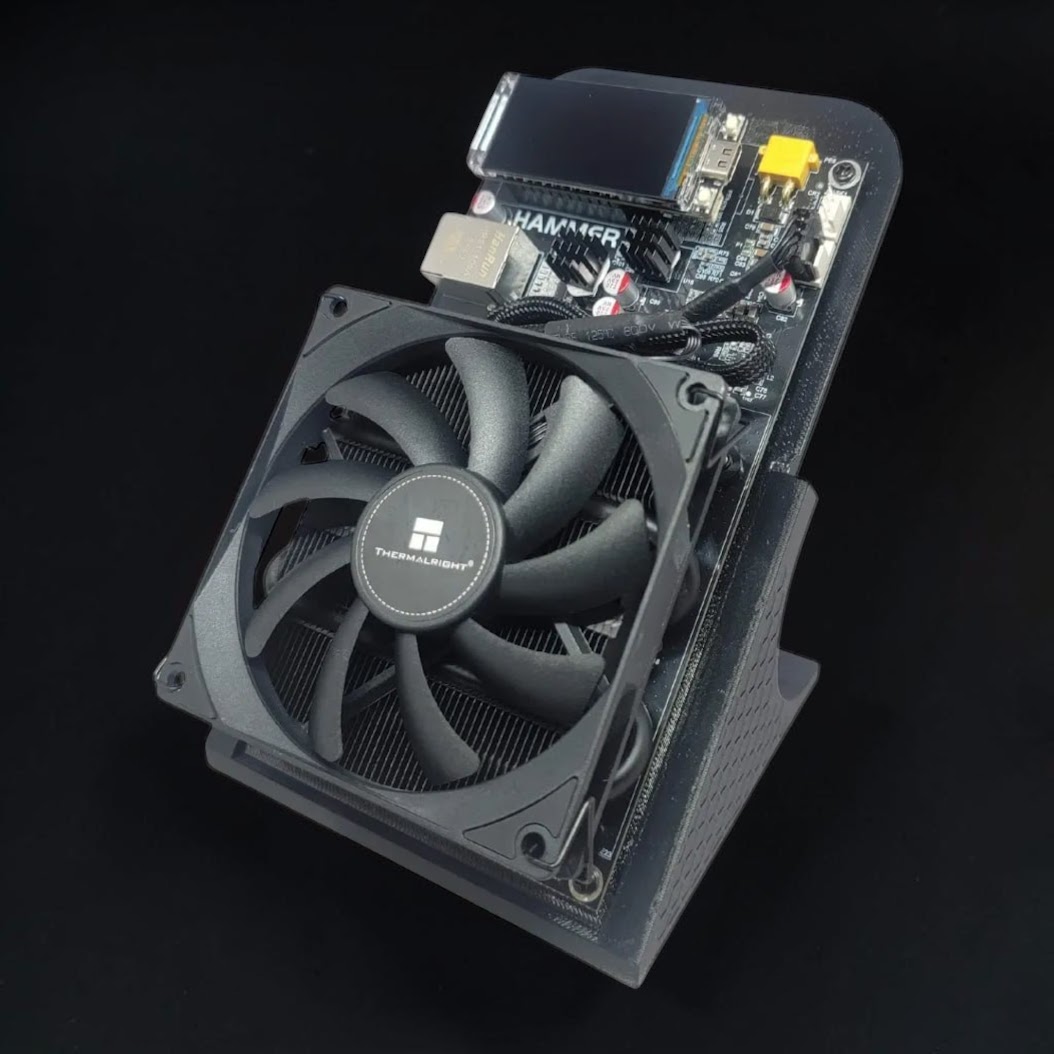
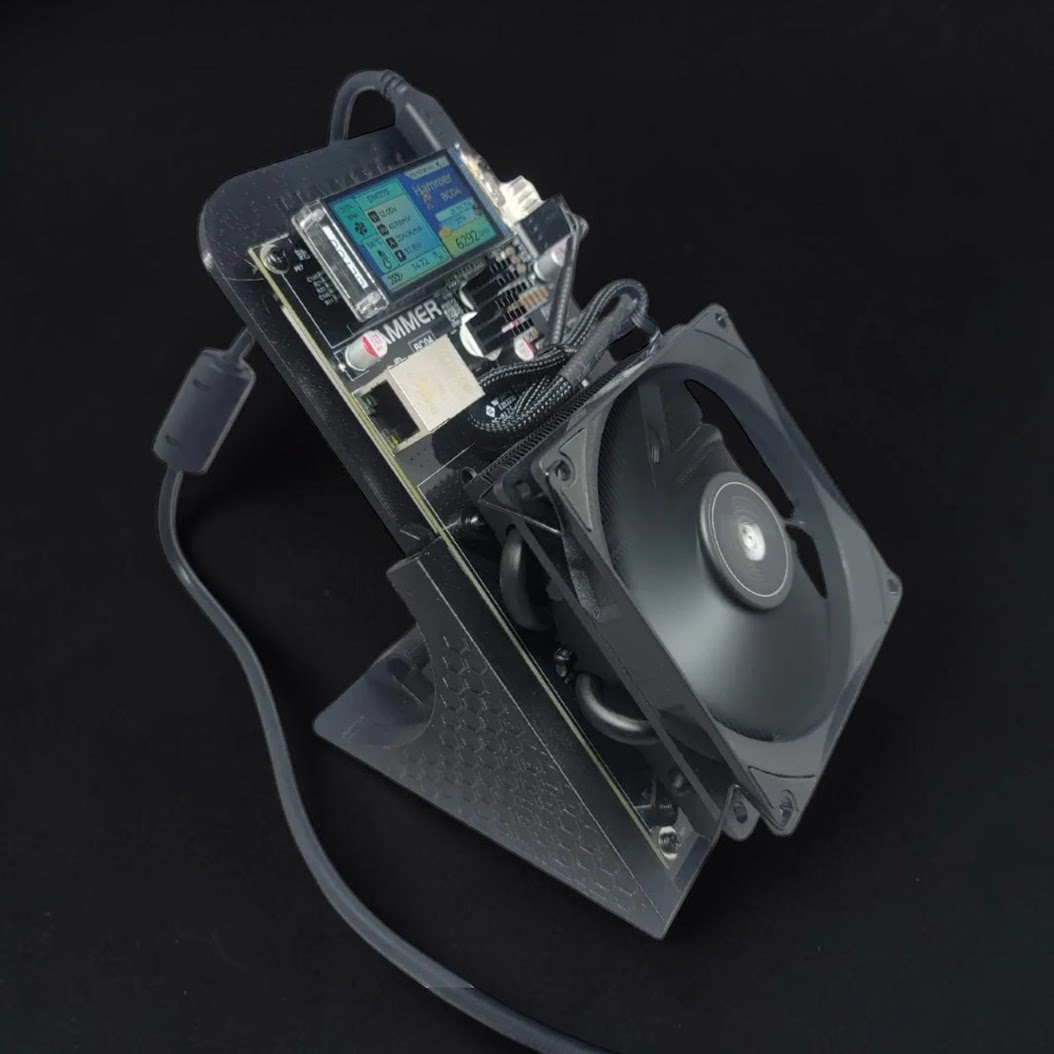
| Included | Miner, manufacturer-supplied standard stand, PSU, and power cable |
Optional CryptoCloaks color upgrade
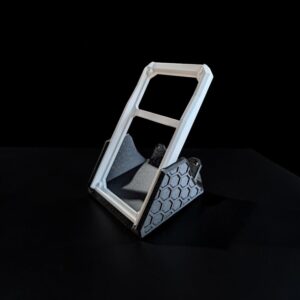
The BC04 already includes the manufacturer-supplied standard stand. For a personalized setup, add the CryptoCloaks custom-color BC04 case and angled stand set for $12. Choose separate case and stand colors. This is an optional cosmetic and positioning upgrade, not a required accessory.
Good fit for
- Home Bitcoin mining
- Desk, garage, shelf, and office mining setups
- Apartment-friendly low-power mining
- Learning how ASIC mining and mining pools work
- Bitcoiners who want a compact miner instead of a warehouse machine
Setup Instructions
Step-by-step from unboxing to hashing
1. Physical Placement
Set the BC04 on a flat surface with clear airflow on all sides — desk, shelf, or workbench all work. Keep it out of cabinets and away from clutter, dust, and direct heat sources.
2. Power On
Connect the included 100–240V adapter to the miner’s XT30 port and plug into a standard wall outlet. No special outlet or PDU needed. The AMOLED display will light up on boot.
3. Connect to Your Network
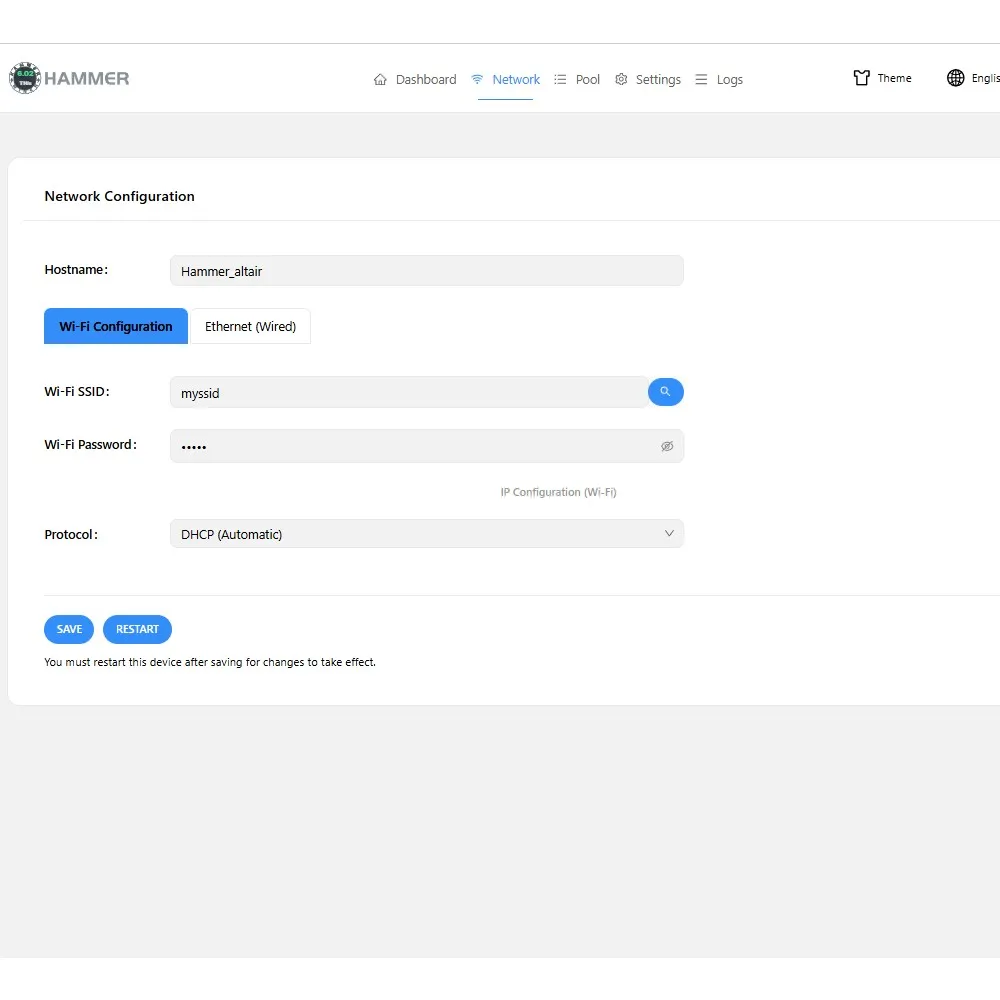
The BC04 connects to your home network over WiFi (2.4GHz). Setup takes about a minute using your phone or computer. It is covered in Steps 4 and 5. If you prefer a wired connection, you can skip those steps and plug in an Ethernet cable instead.
4. Connect to the Miner’s Setup Network
On first boot, the BC04 broadcasts its own temporary WiFi network. On your phone or computer, open WiFi settings and connect to the network named something like HAMMER_XXXX.
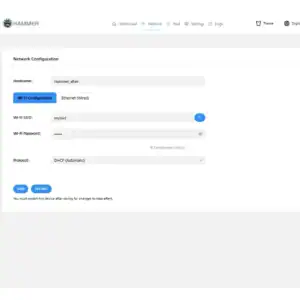
5. Enter Your Home WiFi Credentials
While connected to the HAMMER_XXXX network, open a browser and go to 192.168.4.1. Enter your home WiFi network name (SSID) and password, then save. Restart the miner from the UI — it will join your home network and display its new IP address on the screen.
Ethernet is also supported if you prefer a wired connection — just plug in a cable and skip this step.
6. Access the Miner Dashboard
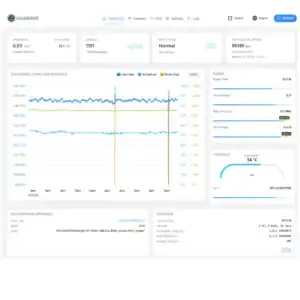
The IP address shown on the miner’s display is your access point. On any device connected to the same network, open a browser and type that IP, for example http://192.168.1.105. The dashboard opens directly — no login required.
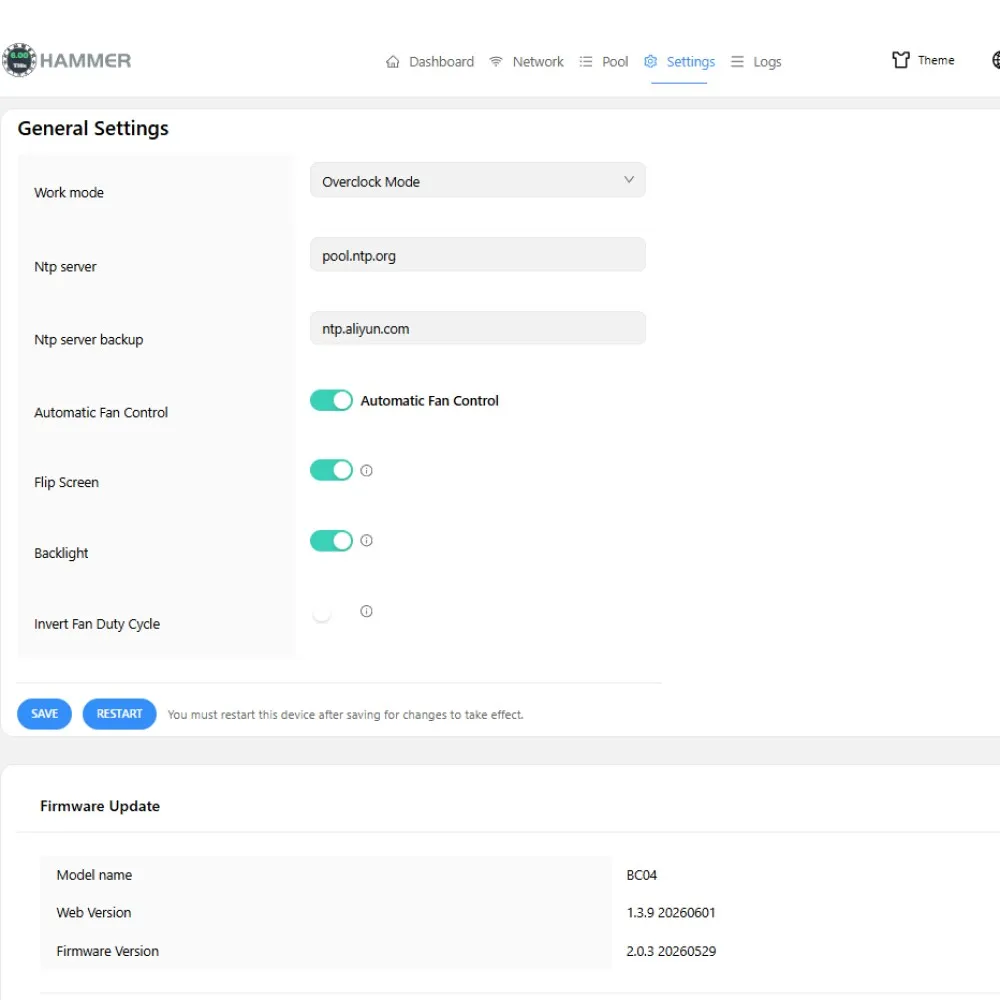
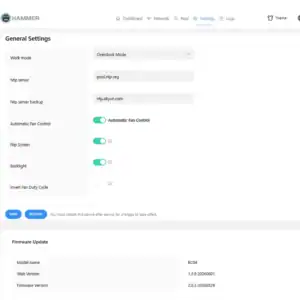
7. Choose Your Mining Mode
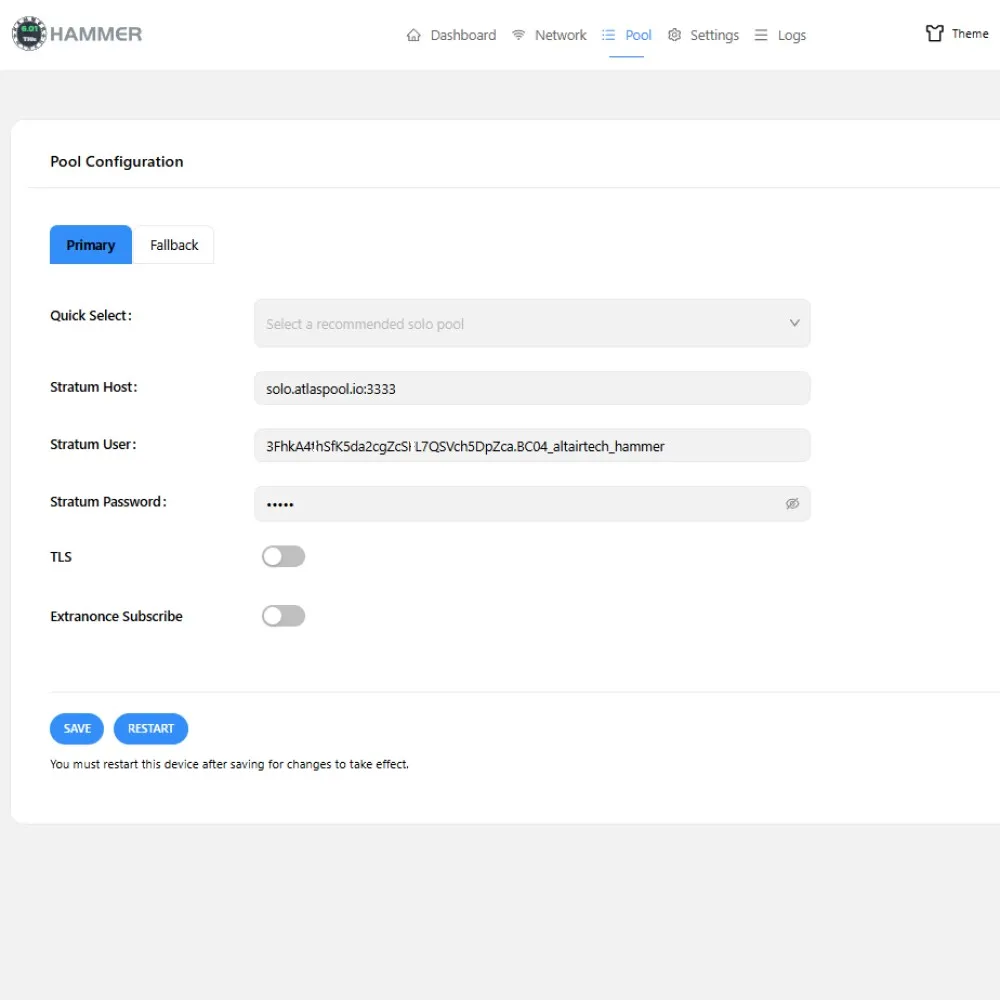
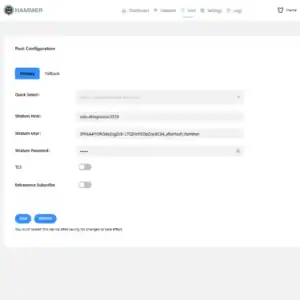
8. Enter Pool / Worker Settings
In the web UI under Miner Config or Pool Settings, fill in:
- Pool URL — e.g., stratum+tcp://solo.ckpool.org:3333
- Worker/Username — your Bitcoin address (solo) or pool username.workername (pool)
- Password — usually just x
Set a backup pool (Pool 2) for failover in case your primary goes down.
Leave the TLS toggle off unless your pool specifically supports it. Most pools do not.
9. Save and Start Mining
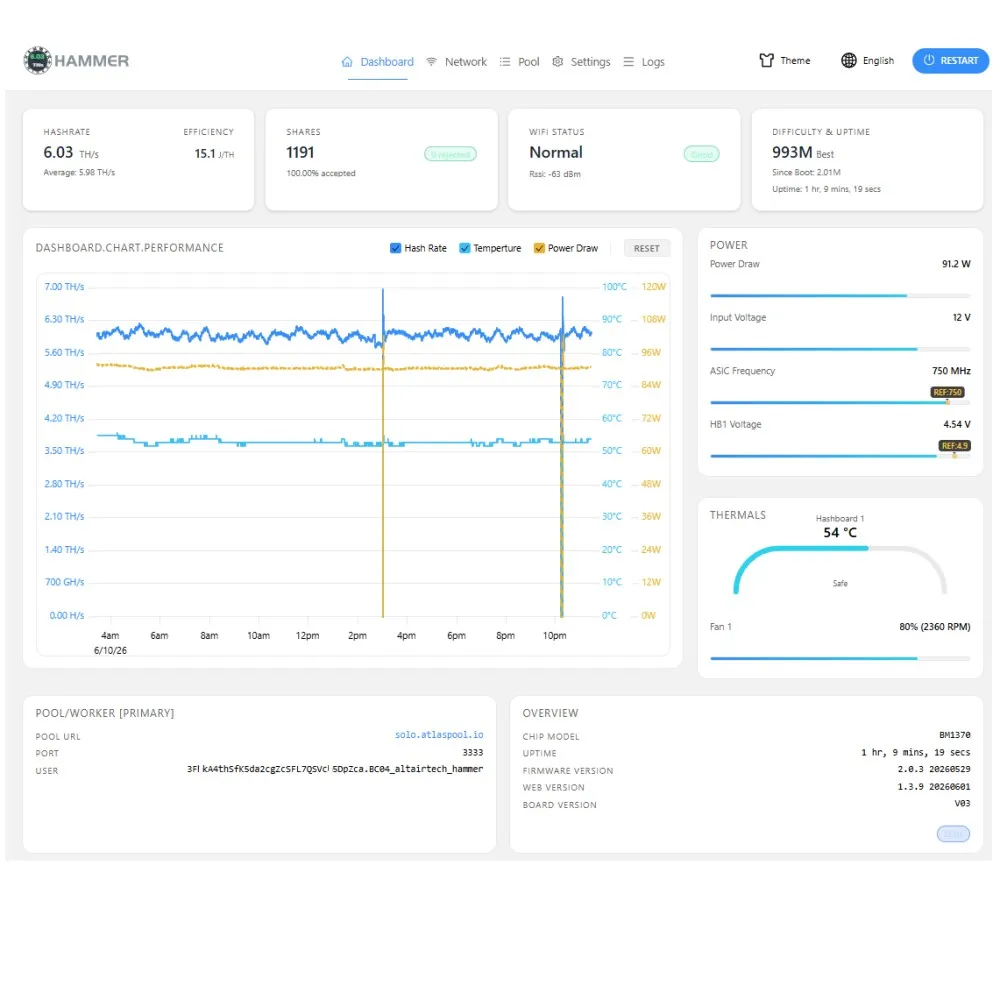
Hit Save/Apply. The miner will restart hashing and connect to the pool. Give it 5–10 minutes to stabilize, then confirm on the dashboard:
- Hashrate: ~6 TH/s
- Pool connection: Connected
- Rejected shares: near 0
10. Ongoing Monitoring
The onboard AMOLED display shows live hashrate and status at a glance. For the first run, stick with stock settings. Confirm pool connection and watch rejected shares before making any tuning changes.
Compare with other home miners
If you want a quiet compact ASIC, this BC04 belongs in the same home mining lane as the Canaan Avalon Nano 3S and the rest of our Home Miners lineup. The point is simple: run a real Bitcoin miner at home without industrial noise or a giant power bill.
The Nano 3S is the heater-style favorite. The BC04 is the desk-friendly ASIC lane. Both are for people who want Bitcoin mining in a real house instead of a warehouse.
Want the broader home-mining setup angle? Read our home Bitcoin mining heater and home miner setup guide for airflow, heat, and room-planning basics.
Official Hammer Miner resources
For deeper technical digging, Hammer Miner maintains public BC04 firmware/UI repositories on GitHub: HammerMiner BC04-APP and HammerMiner BC04-WWW. We link those because buyers should be able to find the official project resources, not just another thin reseller page.
Need the deeper buyer breakdown? Read the full Hammer Miner BC04 review for home Bitcoin miners.
Hammer Miner BC04 FAQ
Can the Hammer Miner BC04 mine Bitcoin?
Yes. The Hammer Miner BC04 mines SHA-256 and is intended for Bitcoin mining.
How much hashrate does the Hammer Miner BC04 make?
The BC04 is listed around 6 TH/s, with tuned profiles reported up to about 6.5 TH/s depending on the unit and settings.
How much power does the Hammer Miner BC04 use?
Stock operation is around 110W. Tuned profiles are reported around 120-125W.
Does the BC04 support WiFi?
Yes. It supports 2.4GHz WiFi and RJ45 Ethernet.
Is this a good beginner Bitcoin miner?
Yes. It is a practical beginner-friendly ASIC because it is compact, low power, network-ready, and easier to live with than full-size industrial miners.
Does the Hammer Miner BC04 include a power supply?
Yes. The product photos and source listing show the BC04 shipping with the PSU and power cable.
Is the Hammer Miner BC04 quiet enough for a desk?
It is built for quiet desktop mining compared with industrial ASICs. Noise still depends on room temperature, firmware profile, airflow, and tuning, but this is a home-miner design, not a rack miner pretending to be friendly.
Anonymous (verified owner) –
Lots to choose from, plenty to tinker with . Some nuance to the setup but overall once connected , you will feel accomplished. Connect it to other devices or your own node .Shipping was fast and box was stout and packed well .
STEPHEN C. (verified owner) –
Delivered quickly and averaging just above 6TH/s! Easy setup too.